Technical resource
How to edit Magento Maintenance page
Note: This is a historical reference, not a current security baseline. Magento 1 is end-of-life.
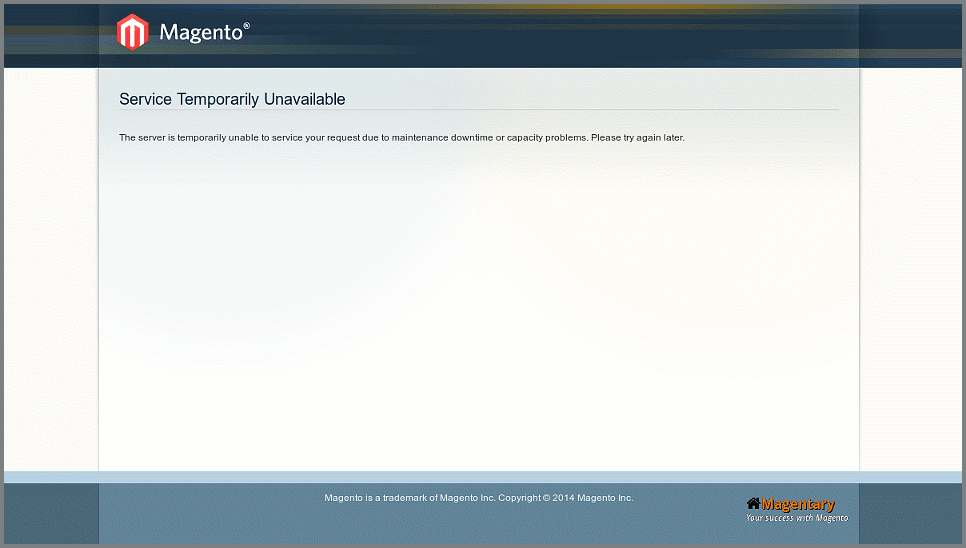
Magento maintenance page design can be changed just like any other Magento error page. By default, it looks like the following:
-
under Magento root on filesystem copy errors/default/ folder into errors/your_skin/, where “your_skin” is the desired skin name you wish to create:
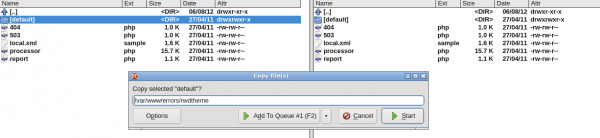
Copying errors/default into errors/rwdtheme for further customization - edit
errors/your_skin/page.phtmlas needed to match your theme. You can use design of your 404 page as a fast start: open in browserhttp://your-store/no-routepage, right click on any text, select “View page source” option in browser’s context menu and paste this source code intoerrors/your_skin/page.phtmlfor further modifications. Just make sure to leave the following main div in thepage.phtmlunchanged:errors/404.phporerrors/503.phpdepending on the error type. - copy
errors/local.xml.sampleintoerrors/local.xmland changedefaulttoyour_skin:- default +your_skin - Flush Magento cache
Well done. Now your custom style will survive after Magento updates.